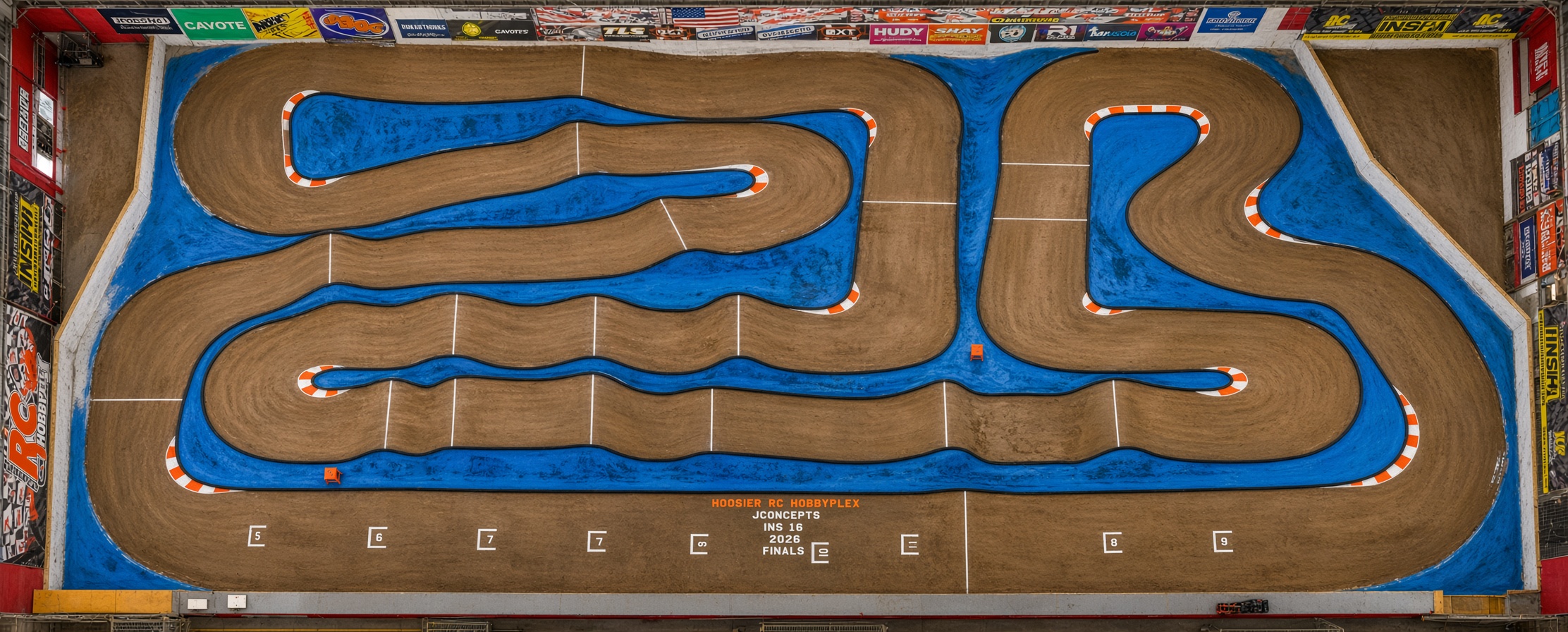
Click the pipe to add a vector point. Drag the round point to move it; drag the colored square handles to adjust its curve. Pipe and surface colors move; terrain height stays fixed.
Straighten sideways wobble between A and B. The surrounding terrain, texture and pipes move together; jump height settings stay unchanged.
0% original shape · 100% straight target
Select a round pipe anchor. Drag its square handles to shape the curve.
Round = anchor · Squares = curvature
Smooth links both handles. Corner lets each move independently. Affected length sets the curve area.
Optional straighten slider
Click a pipe point, then move Straighten. Use Affected length to change the area.
0% original shape · 100% straight target. All highlighted points move together. Undo reverses the adjustment.
Precise point position
Click a white lane point for each end. Nearby sections blend into the selected width.
100% keeps your current widths. Pipes, dirt and texture move together.
Lane position and direction
Add jump, then click the dirt to place its white crest line across the lane.
Jumps lift the dirt and both pipe edges evenly. Banking is a separate corner adjustment.
Drag the blue or orange tip of the white jump line to align it. Green moves the whole jump. The dirt and pipes follow its height.
Blue/orange: move entrance and exit. Pink square: aim the selected end. Purple: drag up/down to adjust inclination with both ends anchored. Green: move the bank.
0% keeps underlying bumps. 100% makes the bank interior even while keeping its inclination and smoothly joining its ends. Dirt and pipes follow together.
Purple raises the bank smoothly between fixed blue/orange anchors. Use Rotate entire bank to change its direction.
Position and shape
Click Add elevation, then click its start and end on the dirt. Green moves the whole section. Blue/orange adjust its ends. Yellow raises it; purple rotates it.
For corners, add curve points and drag the white / blue dots to follow the lane. Up to 14 interior points.
Select a blue/orange endpoint, then drag its pink square to align the end with the lane. The slider adjusts that endpoint only.
A flat top with smooth entry and exit slopes. Width stays level; banking remains separate.